

USSD reaches every phone, but a confusing menu loses customers mid-session. These ten practices come from what works on real Kenyan handsets and networks.
1. Respect the screen limit
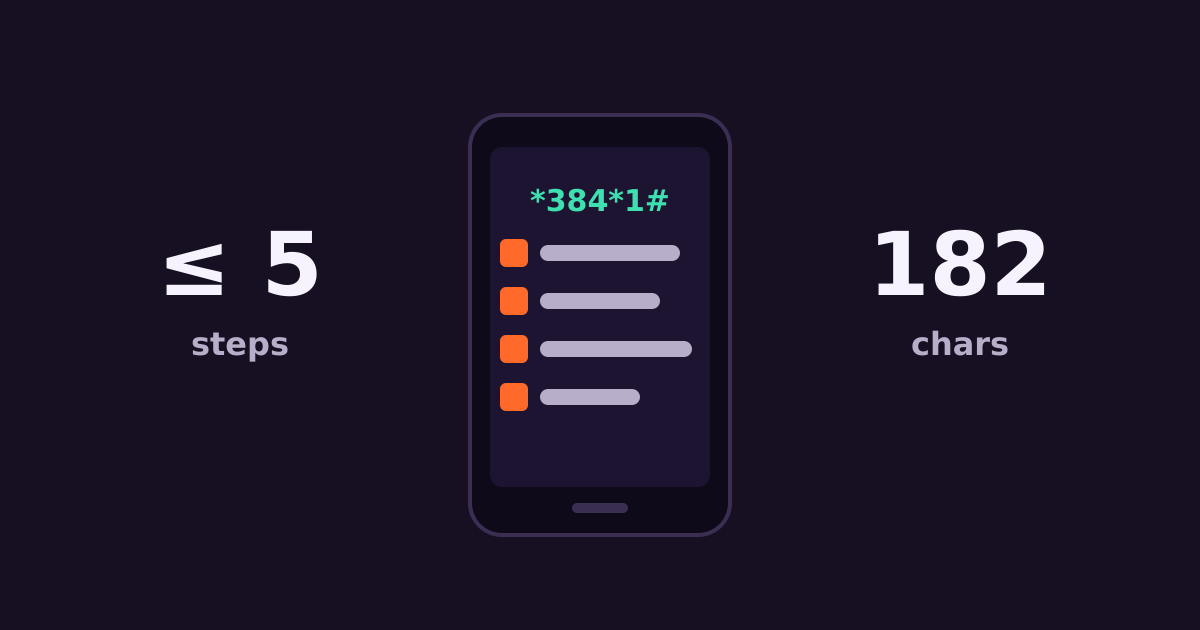
A USSD screen shows roughly 160–182 characters depending on the phone. Keep each screen well under that, including the option numbers.
2. Five steps or fewer
Sessions time out, often within a couple of minutes, and each step is a chance to drop. Design the main tasks to finish in five screens or fewer.
3. Put the most-used option first
If 70% of users check a balance, make it option 1.
4. No more than 5–6 options per screen
Use “98. More” for overflow rather than cramming.
5. Consistent navigation
Use the same numbers everywhere: for example “0. Back” and “00. Main menu”.
6. Short, plain labels
“1. Balance” beats “1. Check your account balance”. Avoid abbreviations people won’t understand.
7. Confirm before money moves
Show a summary — amount, recipient, fee — and ask for confirmation and a PIN before any payment or transfer.
8. Offer language choice
Let users pick English or Swahili on the first screen and remember their choice.
9. Follow up by SMS
USSD screens disappear. Send an SMS with receipts, reference numbers or anything the user needs to keep.
10. Test on basic phones
Test on feature phones and different networks, not just emulators. Watch for cut-off text and timeouts.
Learn more about USSD integration, getting a USSD code and USSD vs mobile apps.
Get started
Create a Connect Media account — SMS from KES 1.0, no minimum top-up, credit that never expires, and one account for Safaricom, Airtel and Telkom. Call +254 707 339 945 or email info@connectmedia.co.ke.
