

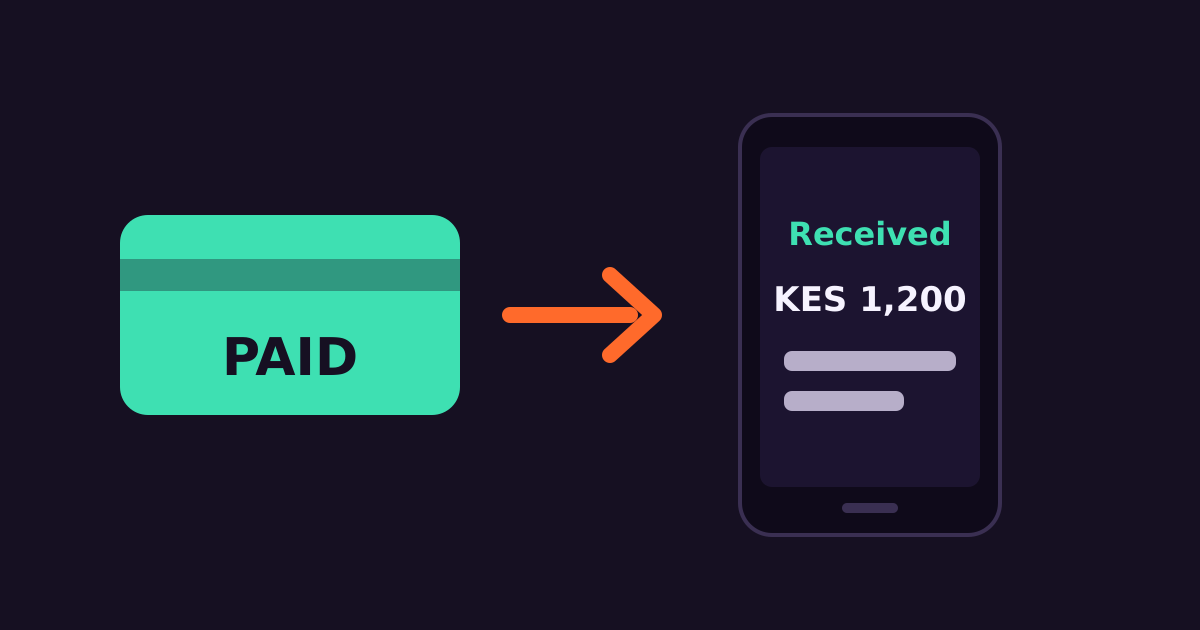
When a customer pays your paybill or till, they get the standard mobile money confirmation. But a message from your brand — with their account, balance or order details — builds trust and cuts “did you receive my payment?” calls.
How it works
- The customer pays your paybill or till number.
- The payment provider sends a callback (webhook) to your server with the amount, phone number, account reference and transaction code.
- Your system records the payment and looks up the customer.
- Your system calls the SMS API to send a branded confirmation.
What to include
- Amount received and the transaction code
- What it was for: invoice, order, rent month, fee term
- New balance, if relevant
- Your business name via a registered sender ID
“Received KES 1,200 from JOHN, ref SJK4XY2Z, for Order #1042. Balance: KES 0. Thank you for shopping with MamaMboga.”
Implementation tips
- Make callbacks idempotent. The same payment may be reported more than once; check the transaction code before sending a second SMS.
- Send asynchronously. Acknowledge the payment callback quickly, then send the SMS from a queue so a slow API call never delays the callback response.
- Handle wrong account references. Send a message asking the customer to confirm details, and flag it for your team.
- Log delivery reports so support staff can confirm whether a receipt was delivered.
Where this is used
Schools (fee receipts), SACCOs, landlords, online shops and utilities all use this pattern. Developers can find endpoints and examples in the API docs.
Get started with Connect Media
Connect Media provides Bulk SMS, USSD and IVR for Kenyan businesses from one dashboard and API. Create an account to start sending, see pricing, or email info@connectmedia.co.ke.
