

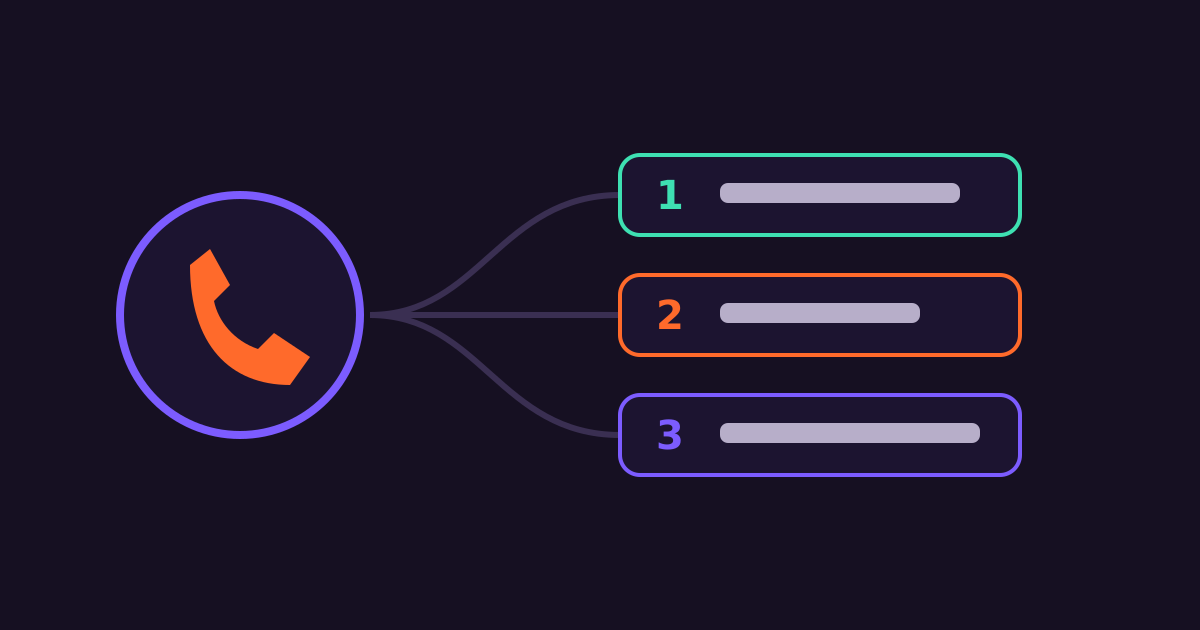
IVR — interactive voice response — answers calls with recorded prompts and lets callers choose options on their keypad. Done well, it answers routine questions instantly and sends complex calls to the right person. Done badly, it traps customers in menus.
What IVR is good for
- Routing calls to sales, support, billing or a branch.
- Self-service answers: opening hours, balances, order status.
- After-hours handling with call-back requests.
- Outbound calls for payment reminders, surveys and health follow-ups.
- Language choice — English, Swahili or local languages.
Designing a menu people don’t hate
- Offer language first: “Kwa Kiswahili, bonyeza 2.”
- Keep to 4 options or fewer per menu, most-used first.
- No more than 2–3 levels deep.
- Always offer a way to reach a person, e.g. “Press 0 for an agent.”
- Keep prompts short and recorded in a clear, friendly voice.
- Read back important info like reference numbers slowly, and offer to repeat.
Combine IVR with SMS
After a call, send an SMS with the details the caller needs to remember — a reference number, paybill, address or link. It reduces repeat calls and errors.
Measure and improve
Track where callers drop off, which options are chosen most, and how many press 0 immediately. If most callers skip the menu, it’s not helping them — simplify it.
Connect Media’s IVR solutions support inbound menus, outbound campaigns and call routing. For other use cases, see how clinics use voice reminders.
Get started with Connect Media
Connect Media provides Bulk SMS, USSD and IVR for Kenyan businesses from one dashboard and API. Create an account to start sending, see pricing, or email info@connectmedia.co.ke.
