

Why does one message fit in a single SMS while a similar one costs two or three? The answer is the character set. Understanding it can halve your SMS bill.
GSM-7: the standard set
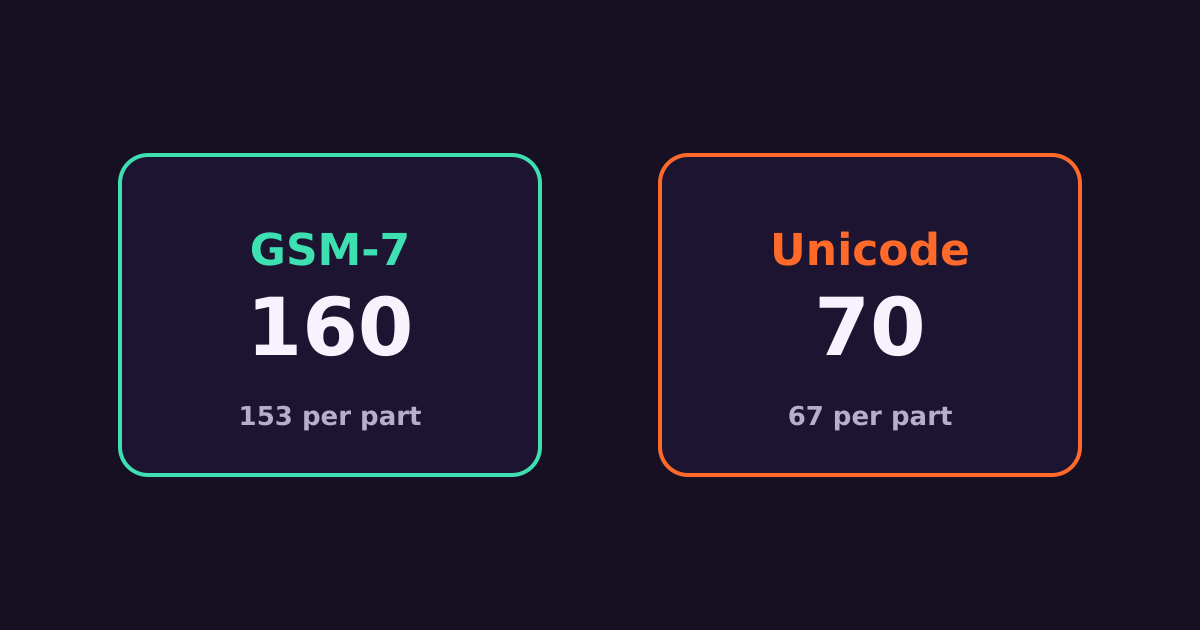
Most SMS use the GSM-7 alphabet: English letters, numbers, common punctuation and some accented letters. A single GSM-7 SMS holds 160 characters.
Unicode (UCS-2)
If a message contains any character outside GSM-7 — an emoji, curly quotes, certain symbols or non-Latin scripts — the whole message switches to Unicode. A Unicode SMS holds only 70 characters. Many emoji count as two.
Long messages are split
| Single SMS | Each part of a long SMS | |
|---|---|---|
| GSM-7 | 160 | 153 |
| Unicode | 70 | 67 |
The missing characters in multipart messages carry the header that lets the phone rejoin the parts. Each part is billed as one SMS.
Extended characters count double
These GSM-7 characters use two slots each: ^ { } \ [ ~ ] | €.
Common culprits
- Curly quotes and apostrophes (‘ ’ “ ”) pasted from Word or Google Docs.
- Long dashes (– —) and ellipsis characters (…).
- Emoji.
- Non-breaking spaces copied from websites.
What about Swahili?
Swahili uses the standard Latin alphabet, so ordinary Swahili messages stay in GSM-7 and get the full 160 characters.
Check before you send
Paste your message into the bulk SMS cost calculator — it counts characters, detects Unicode and shows how many SMS each message uses. More in how bulk SMS is billed.
Get started
Create a Connect Media account — SMS from KES 1.0, no minimum top-up, credit that never expires, and one account for Safaricom, Airtel and Telkom. Call +254 707 339 945 or email info@connectmedia.co.ke.
